Product
Making self-driving companies possible
Get your company to run itself with agents that wake up from any trigger and do real work
Triggered by any event
Start agents from messages, meetings and events.
Whirl doesn't wait for you to tag or mention, it reads everything and decides when to act based on your company's rules
Messages and meeting notes
Start work from emails, team conversations, calls and meeting transcripts.
Updates in your tools
React to Linear issues, GitHub PRs, HubSpot CRM updates, orders, bookings and more.
Custom webhooks and scheduled tasks
Start work from your own webhook events, run tasks on a schedule or prepare for upcoming calendar events.
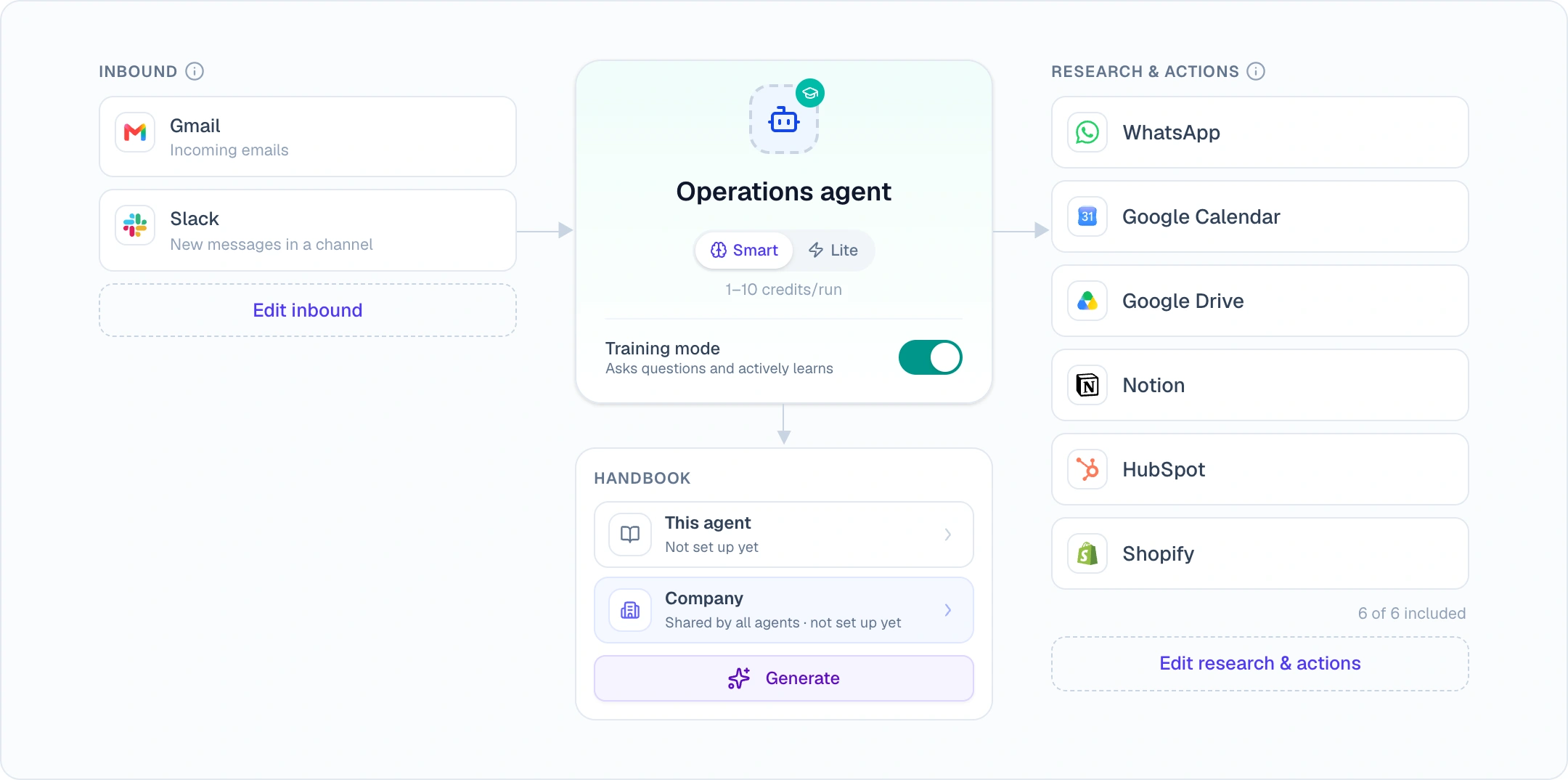
 Gmail emails
 Outlook emails
 WhatsApp messages
 Slack messages
 Teams messages
 Aircall calls & SMS
 Granola meeting notes
 Fireflies transcripts
 Google Calendar events
 Linear issues
 GitHub PRs
 HubSpot CRM updates
 HubSpot inbox messages
 Zendesk tickets
 Gorgias tickets
 Shopify orders
 Pimento deliveries
 Smily bookings
 Hostaway reservations
 Breezeway tasks
 Ashby candidate updates
- Custom webhook events
- And moreMore added regularly
Follow the conversation
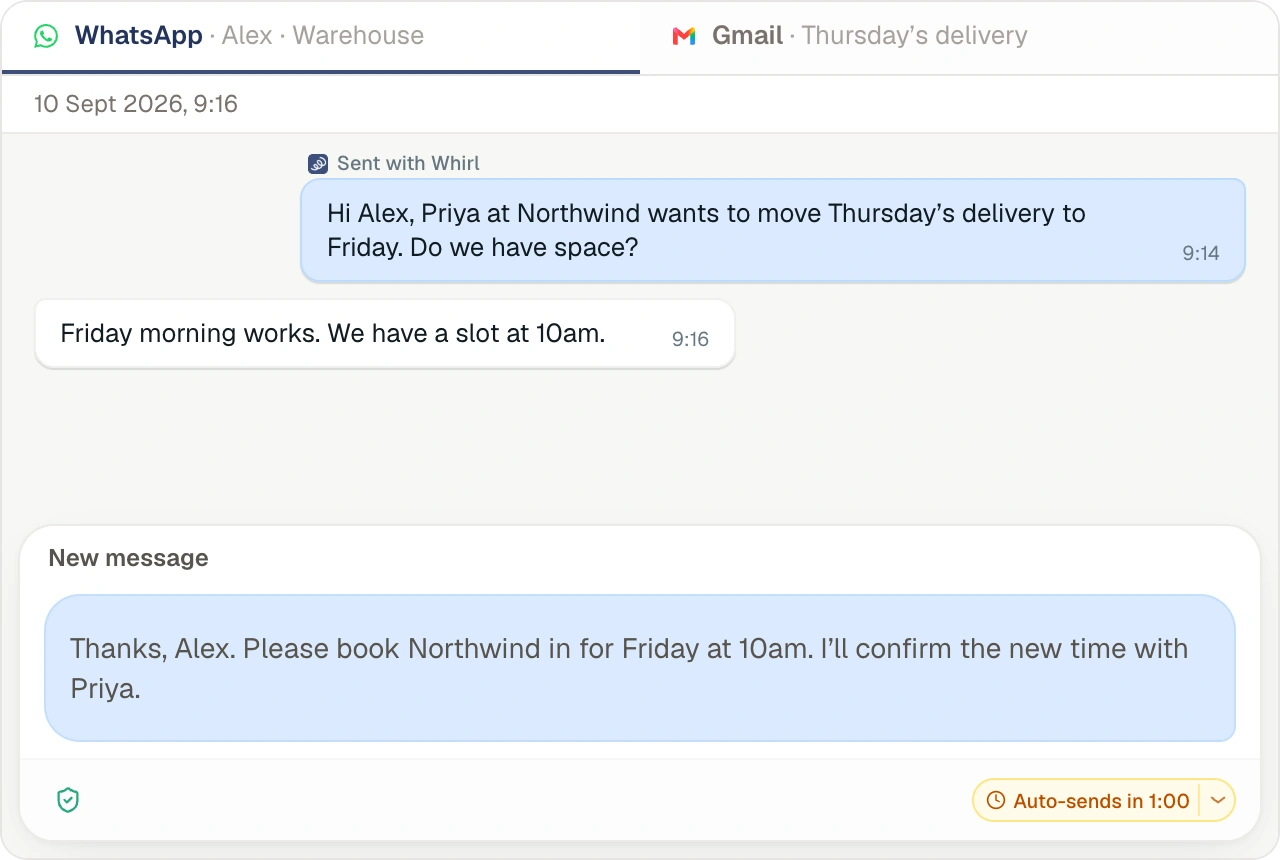
See the conversation and what Whirl does next.
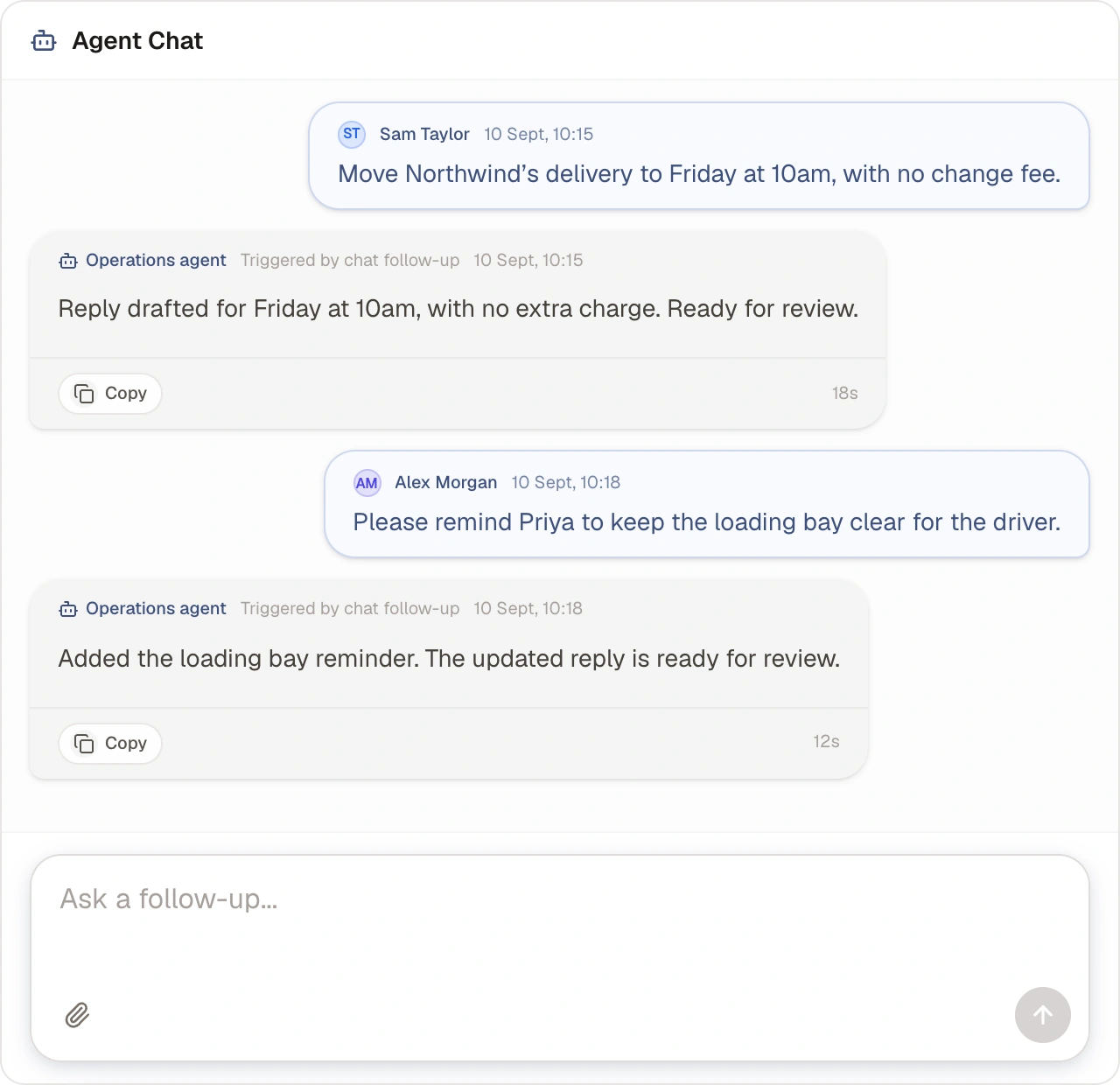
Whirl keeps the message or event that started each task alongside the ongoing conversation. Your team can read the context, follow replies and see what the agent is doing in one place.
Read the original request
See the email, message thread or event in a clear task view, with its source and sender.
Reply through your connected tools
Whirl can reply directly to the original email or message thread. Those replies appear in the task too.
Follow the work as it happens
See the agent’s actions, questions and approval requests alongside the conversation.
Agents train themselves
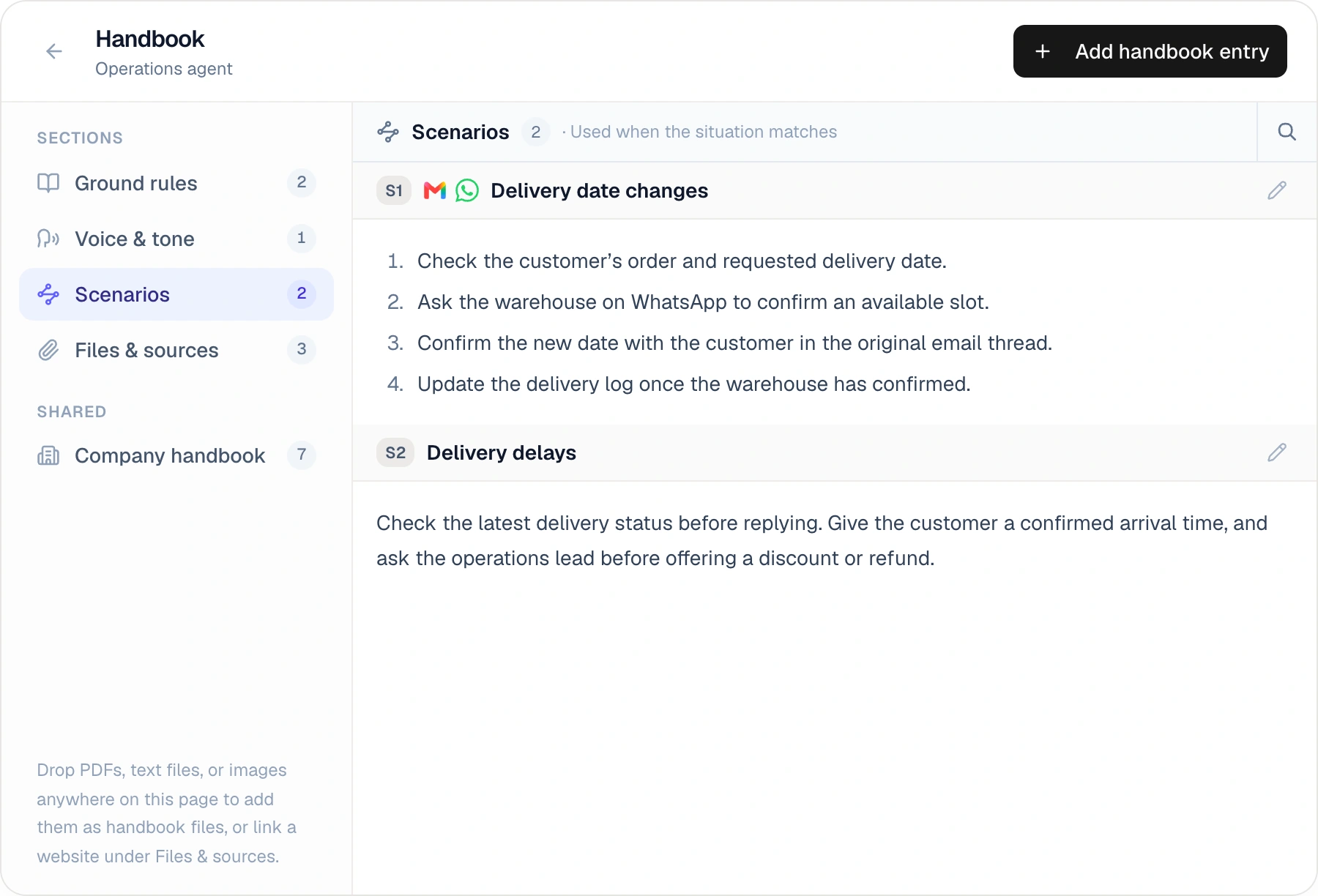
Building a handbook of your docs and processes
Every agent starts in training mode. It follows the instructions in its handbook and asks questions when it needs guidance on how your company handles a situation.
Add what you already know
Start with your existing process, policies and examples of how to handle common requests.
Answer questions as they arise
The agent uses your answers to complete the task and proposes handbook updates for guidance it can reuse.
Set task rules
Agents that self-organise the tasks
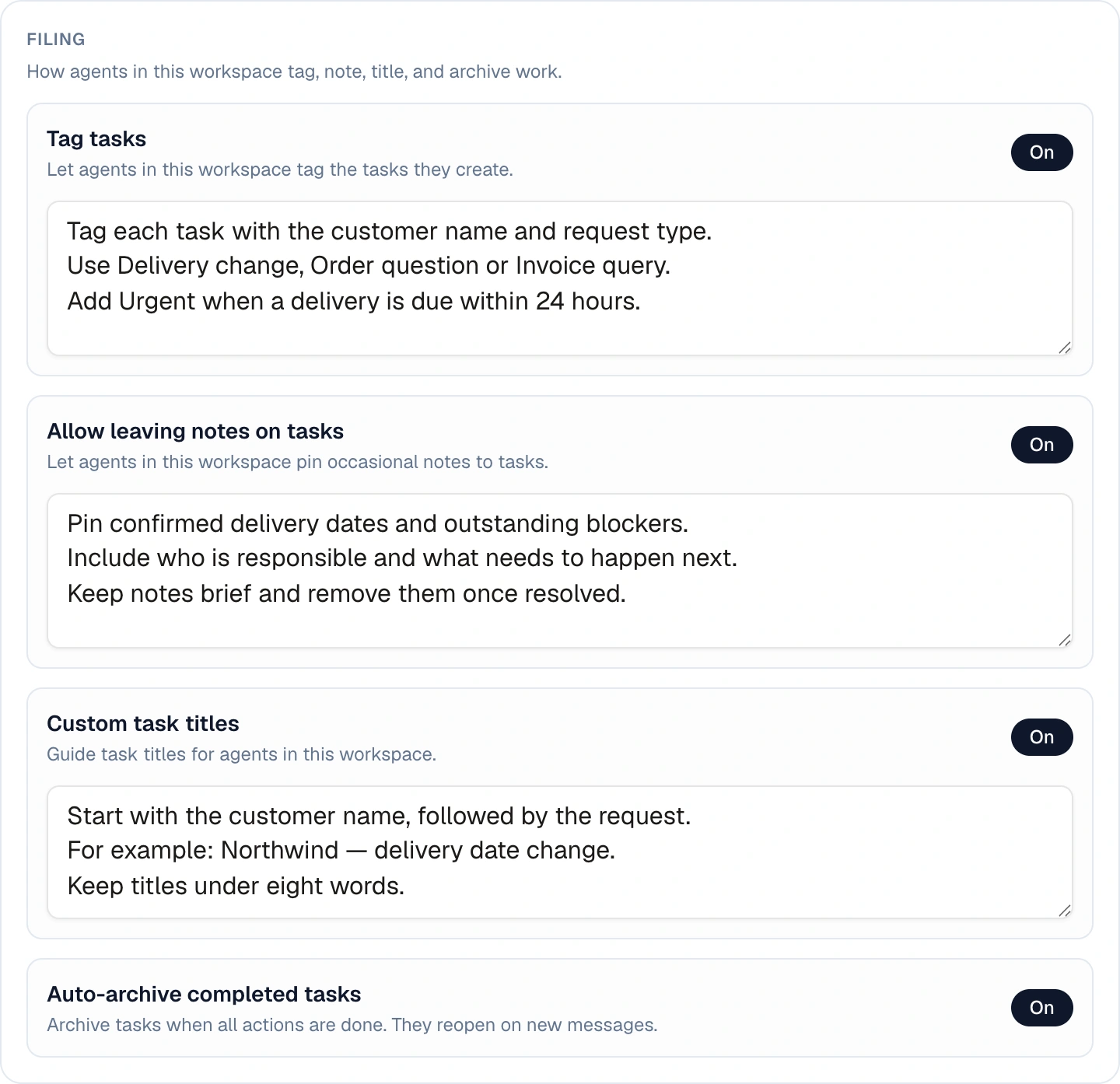
Set rules to tag, move around and assign tasks to the right people in plain English
Consistent task titles
Specify what titles should include, such as a customer name, order reference or type of request.
Tags that match your process
Tell the agent when to apply each tag so related tasks are easy to find and filter.
Clear assignments
Define who should handle different types of work and when the agent should ask a teammate for help.
Track the work
See what agents are doing and what needs your review.
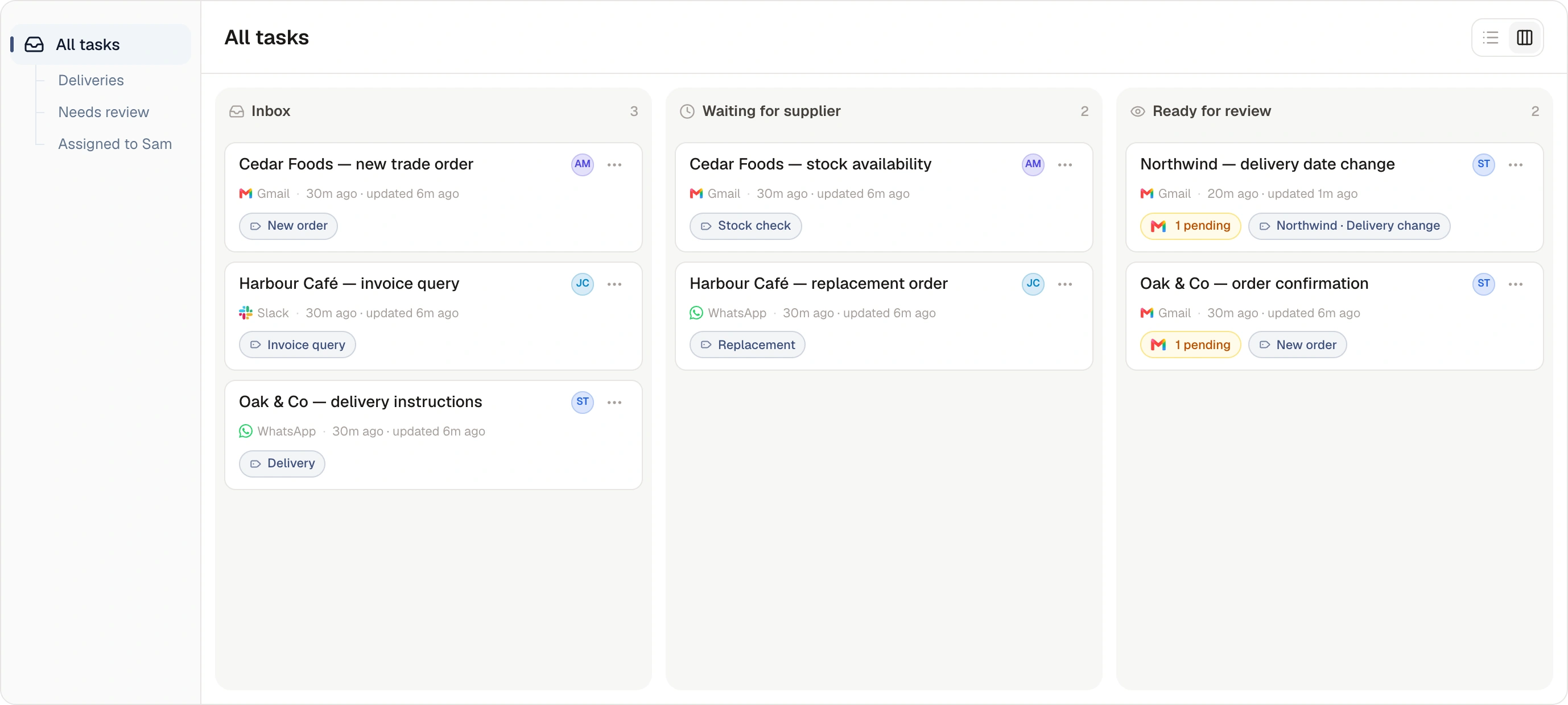
Manage agent tasks alongside your team’s work. Open a task to read the conversation, check the agent’s actions and respond to questions or approval requests.
Custom statuses
Set the stages your team uses, such as Waiting for supplier or Ready for review.
Board and list views
Review tasks in a list or use the board to see work grouped by status.
Saved custom views
Save filters for the tasks you check regularly, such as a particular assignee, tag or workspace.
Invite your team
Include everyone who needs to do the work.
Invite colleagues to manage tasks, answer agent questions and review actions. The team can use the same task history and handbook when deciding what to do next.
Team seats included
Choose a plan with room for your team, and manage access from one workspace.
Shared tasks and decisions
Keep messages, questions and approvals with the task so colleagues can see what has been agreed.
Instructions your team can maintain
Update the handbook as your process changes, so agents work from the current guidance.
Get started
Try Whirl with your team.
Sign up with 250 free credits, or scan your website for use-case ideas first.